Assigning colors and baking?


Posted by:greatluffy
Data created:23 October 2014

Hello. I recently started using this plugin and even after reading tutorials and documentation I still don't get how do I color the hair I created. I've been reading CryEngine manual about it and it mentions Color Map that can be used to color strands from root to tip, but how do I do this?

I also need to bake the hair onto a mesh, alpha/color/normal maps. I tried doing that after selecting Mesh from Strands modifier, but the results are far from good. I need to achieve something like on a picture below, but no idea how to do that. I tried many things, but no results. I'd appreciate any help.

The manual does not mention root to tip color map in CryEngine but it does talk about turning that UV option off to get a basic color map that will color each hair based on the root color (gained from the underlying UVs of the emitting mesh). That is the method used in the image here. 

It looks like on the right you have a low poly model with no hair on it and to the left the hair rendered in max with Ornatirx. You should be able to bake one object to the other using standard max baking. To do this you would align both the low and high poly (with hair) objects, set the proper bake projection cage and use 3ds Max Render to Texture. If you have OX Mesh from Strands on the hair it will bake like any other geometry in max. 

Hope that helps

Thanks

Michael

-- 

Thanks for answering. I do have another problem, though. When I put OX Mesh from Strands modifier, I can't assign this mesh for my low-res projection modifier. It just doesn't see it before I either export the hair as obj or collapse modifiers. Is there any way around it?

Once Mesh from Strands is on the object it should be pickable as a mesh object for baking. If not you could collapse it. That should be AOK for baking.

Ok,

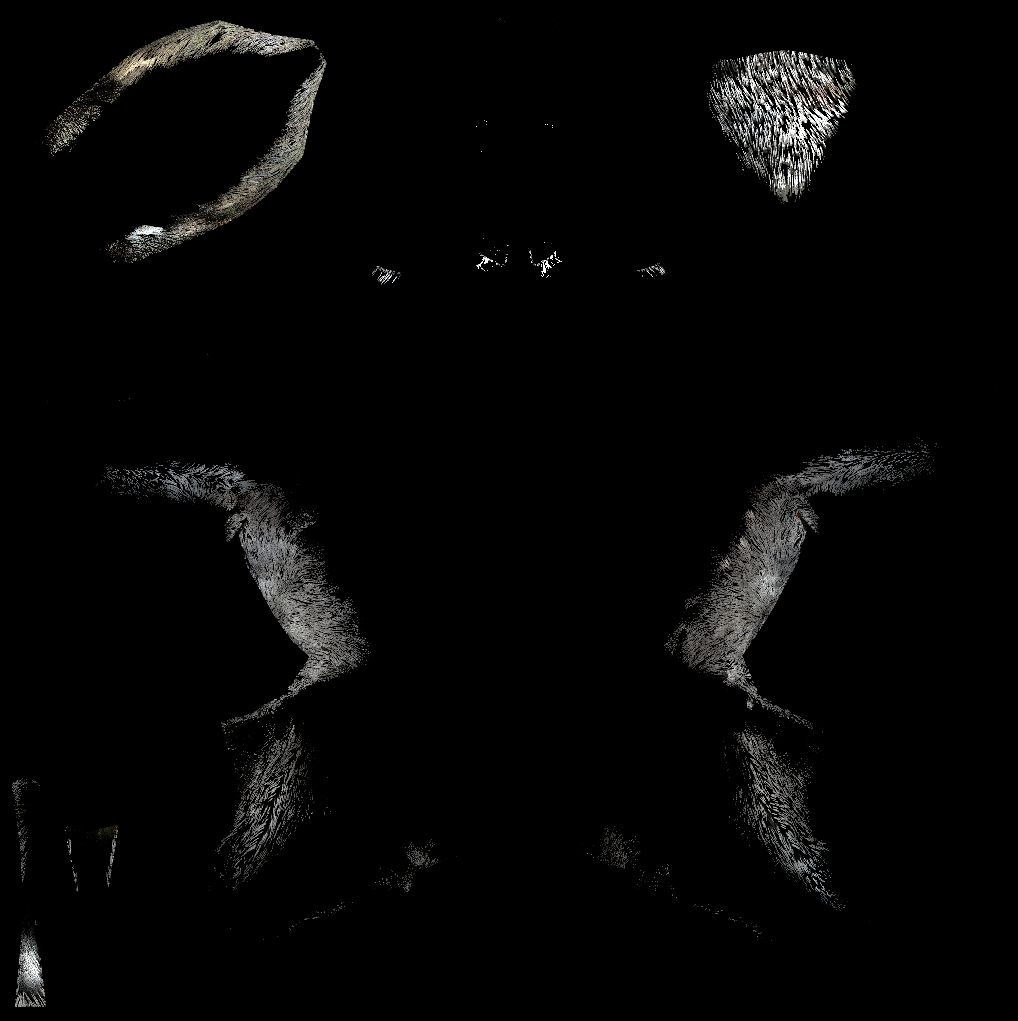
Works well, but I've only a part of my fur projected on the UV (only the most lenght?).

Do you have a idea ?


Attached Files:

>Capture.PNG (255605 bytes),