


Symmetry
- Table of contents
- Symmetry
Overview
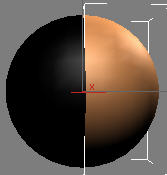
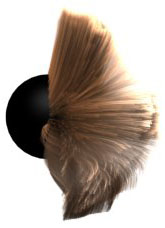
Only one side of the distribution mesh is used to generate hair
When working with meshes symmetry is often used to speed up the process. Similar technique can be applied to Ornatrix strands (hair or guides). You can model only one side of your hair and watch the other side update automatically to reflect the changes.
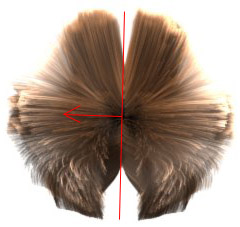
Symmetry is applied to mirror hair onto the other side. Because symmetry is on the top of the operator stack, grounding strands isn't necessary but there is a seam. Solution: Apply symmetry to guides to get good interpolation.
The best strategy is to use symmetry on guides. Because symmetry doesn't produce any surface information the guides on the other side have to be re-projected onto the surface to get sensible results. This can be done automatically using the Ground Mirrored Strands option.
Editing Symmetry Plane
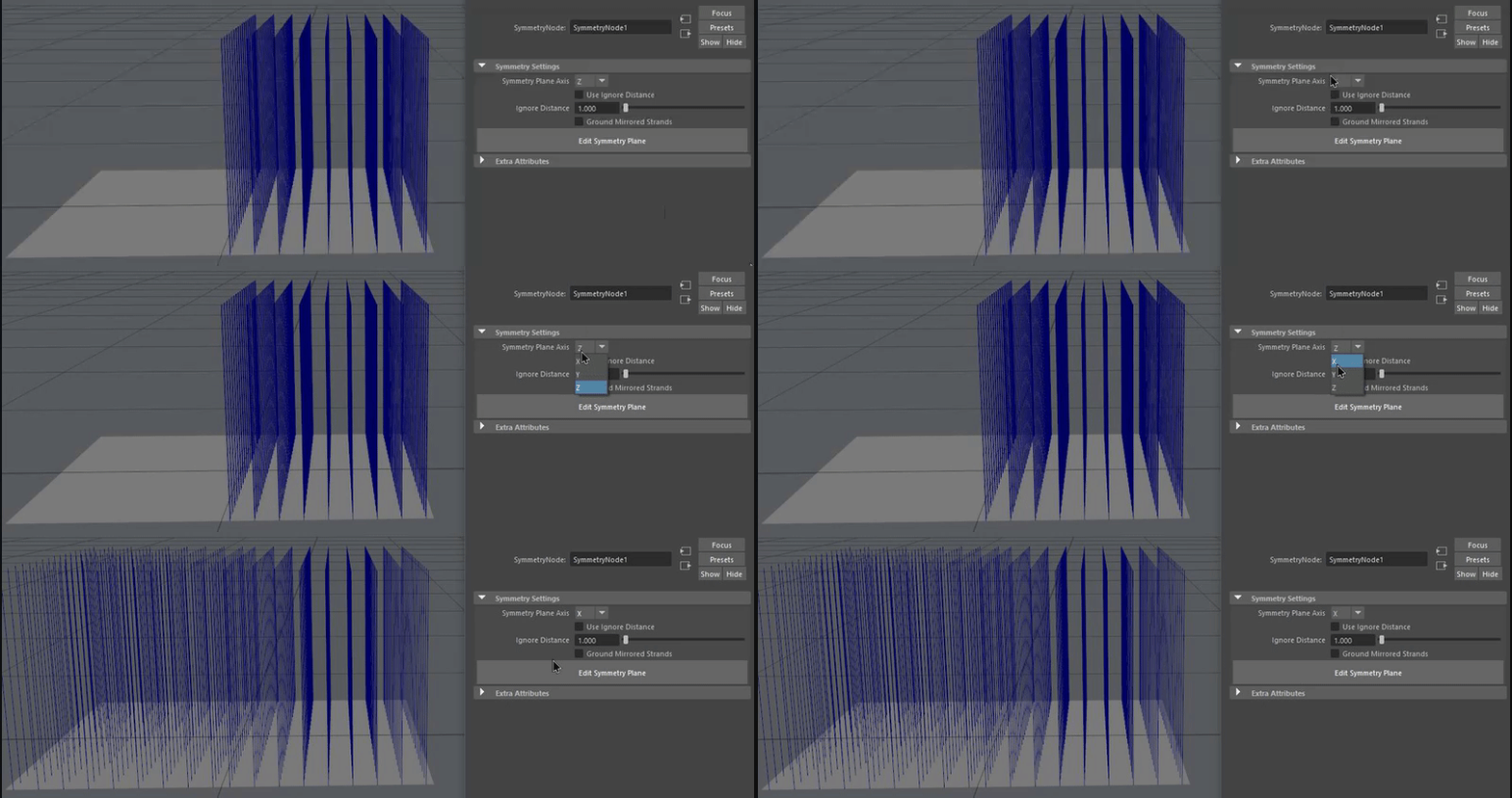
The symmetry operator has two ways to set the symmetry plane: using a manipulator which allows to you edit the direction along which symmetry happens. This plane determines how the strands are mirrored. Use the Edit Symmetry Plane button to be able to change the rotation of this plane.
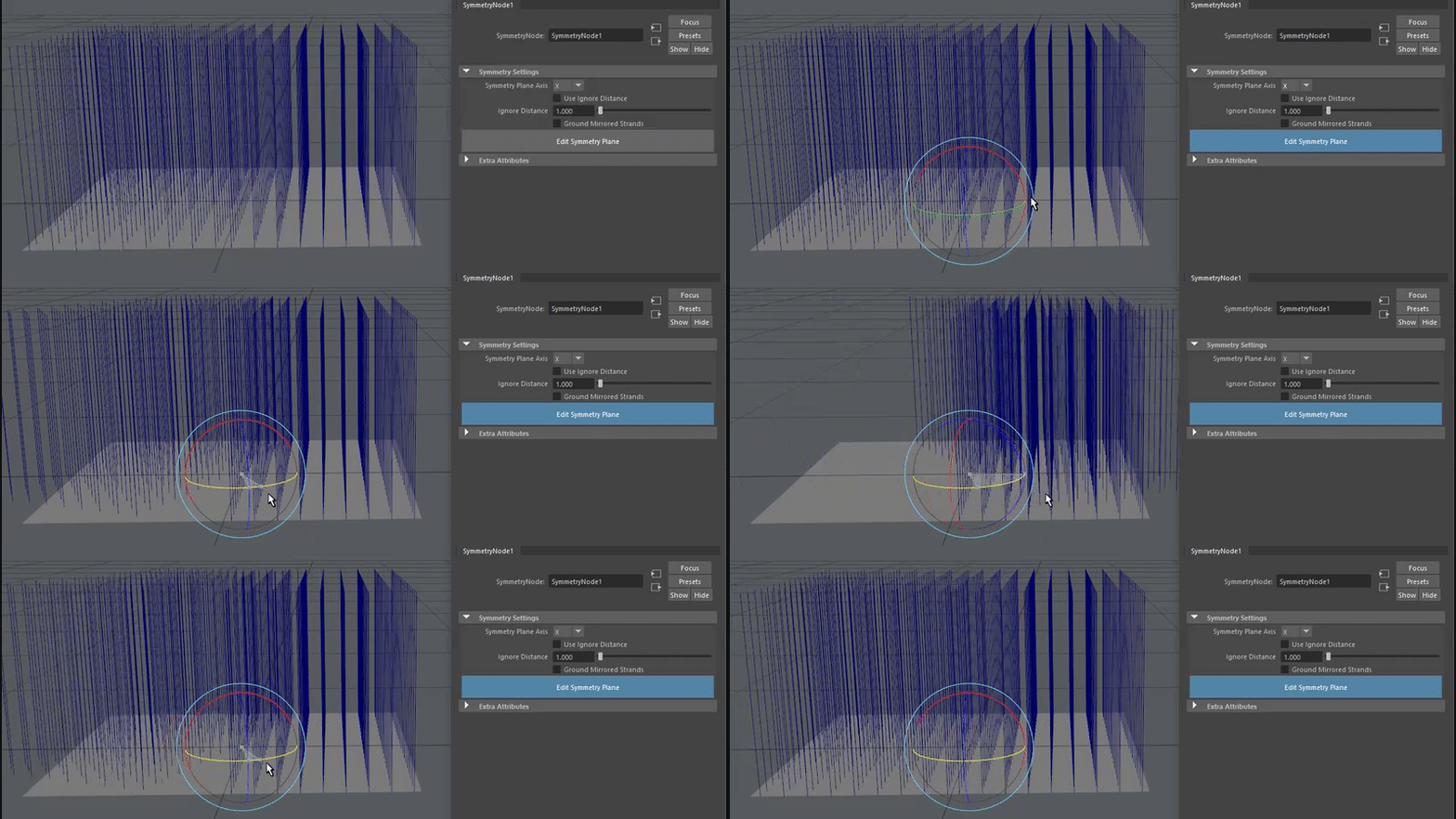
Or using a drop down menu to select the symmetry axis:
Parameters
Ignore Distance
Specifies distance of strands from the symmetry plane which will not be mirrored to the other side.
Use Ignore Distance
Toggles strand exclusion based on distance from symmetry plane.
Ground Mirrored Strands
Mirrored Strand Groups Mode
Determines which strand groups the mirrored strands get:
- Copy - mirrored strands keep the groups of their source strands. This is the default.
- Concatenate - mirrored groups are offset past the highest existing group, so each side has its own groups. Ungrouped strands count as a group, so their mirrored copies are grouped too.
- Set - all mirrored strands get the groups entered in Pattern, for example
3or1,4.
Mirrored Strand Groups Pattern
The strand groups assigned to all mirrored strands when the mode is Set.
When turned on, this option will attempt to automatically place the mirrored strands onto the distribution surface. This allows hair from guides operator to be applied directly above this operator to generate dense hair without having to add a ground strands operator in between.